Lum うる星やつら(2022) in Blender 3.5
How to create 2D Stylized Shaders in Blender:
https://www.wingfox.com/c/8560_34335_11091
Get this model:
https://patreon.com/3dcinetv
I created this fan artwork in 2 days. This is the result of combining all the current power of Blender 3.5:
Custom Anime Cellshading Node in the Realtime compositor + viewport
Inverted cull method using solidify (grey lines are preferred)
Freestyle outline for hair (still has troubles rendering smooth curves, had to convert to mesh, subdiv 1)
Procedural shading for hair and highlights
Stylized 2D toon shader
Normal edit (face only) to switch from flat shaded to lit shaded
Grease Pencil strokes on surface for some of the lines
I'm happy how this one turned. I had time constraints to finish her. I hope you like it and share it. Thanks!

Lum うる星やつら(2022) in Blender 3.5

Wireframes and references. The hair cannot be arbitrary, I explored all possible strand positions and thickness
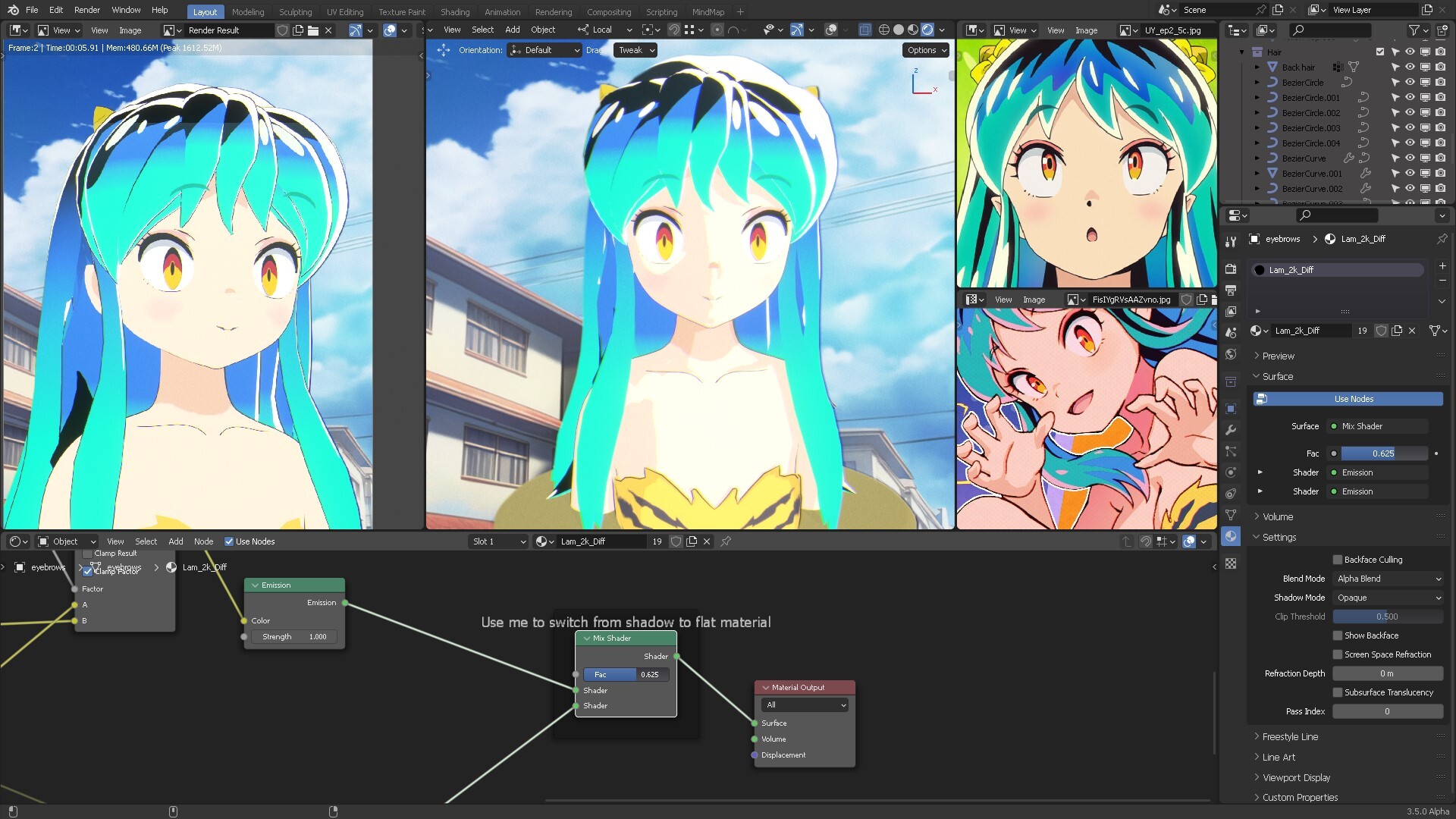
To the left: Render viewport using Freestyle
to the right: Realtime viewport in camera.

Hair curves were carefully placed to create the iconic hair
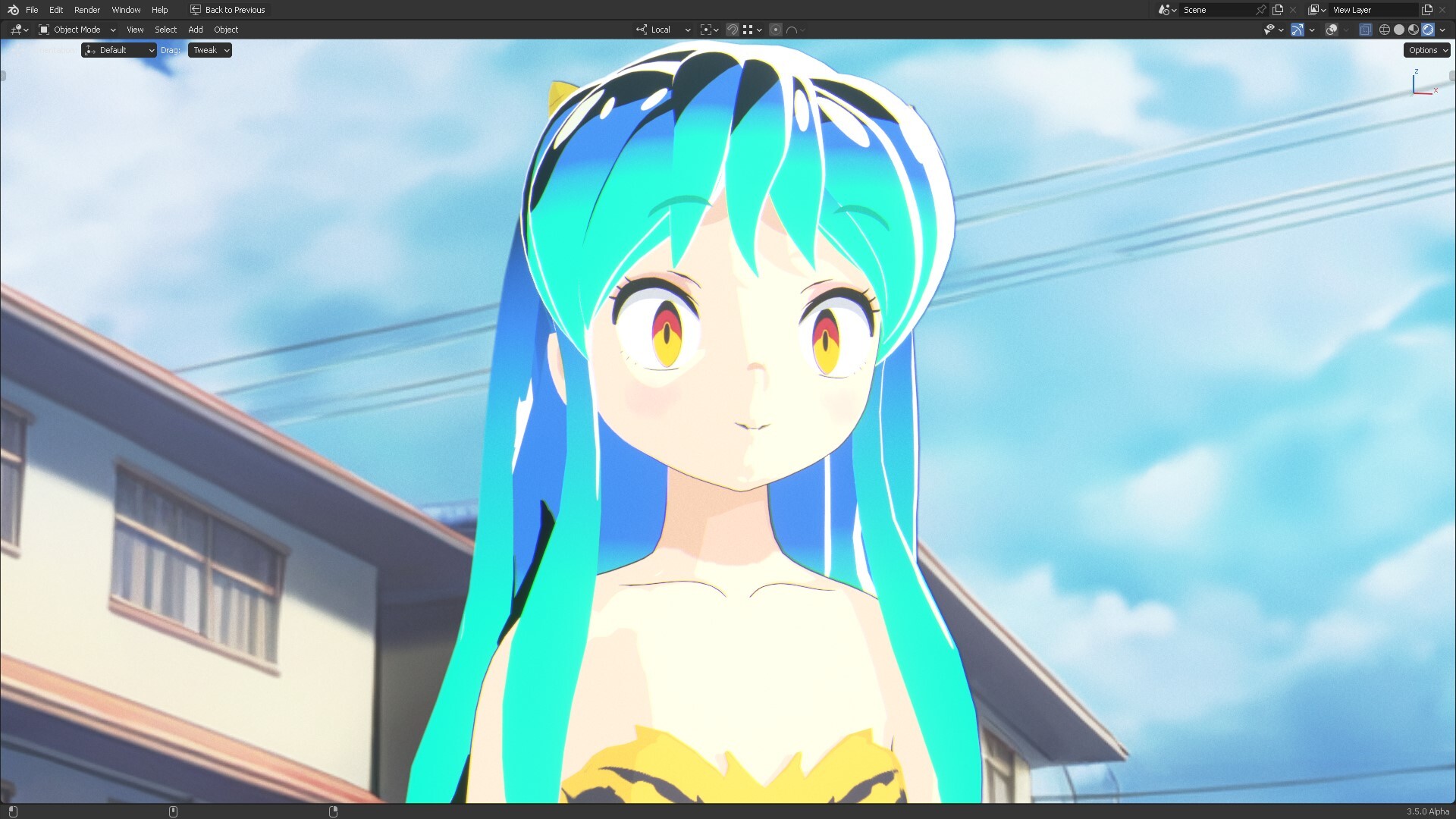
This is the realtime compositor, using a custom cellshading node and a custom Stylized 2D toon shader

This is a closeup of the end result for the wiggle lines in the realtime node compositor